Gmail, Yahoo and Microsoft Bulk Sender Requirements 2026: The Compliance Checklist
One checklist for all three inboxes: SPF, DKIM, DMARC, spam rate, one-click unsubscribe and the CAN-SPAM footer, with enforcement dates side by side.
 Ray GillespieCo-Founder & COO
Published 10 min read
On this page
Key takeaways
- Send about 5,000 or more emails a day to personal Gmail accounts and Google treats your whole primary domain as a bulk sender, permanently.[1]
- All three providers require SPF, DKIM and a DMARC record of at least p=none aligned with your From domain.[2][3][4]
- Keep Gmail spam complaints under 0.1%. Never reach 0.3%.[1]
- Gmail and Yahoo require one-click unsubscribe on marketing mail. Microsoft only recommends a working unsubscribe link.
- Enforcement is now rejection, not just spam-foldering: Microsoft since May 5, 2025, Gmail from November 2025.[4][1]
- The visible footer and postal address come from CAN-SPAM, the law, not from the mailbox providers or the TCPA.[5]
The 60-second answer
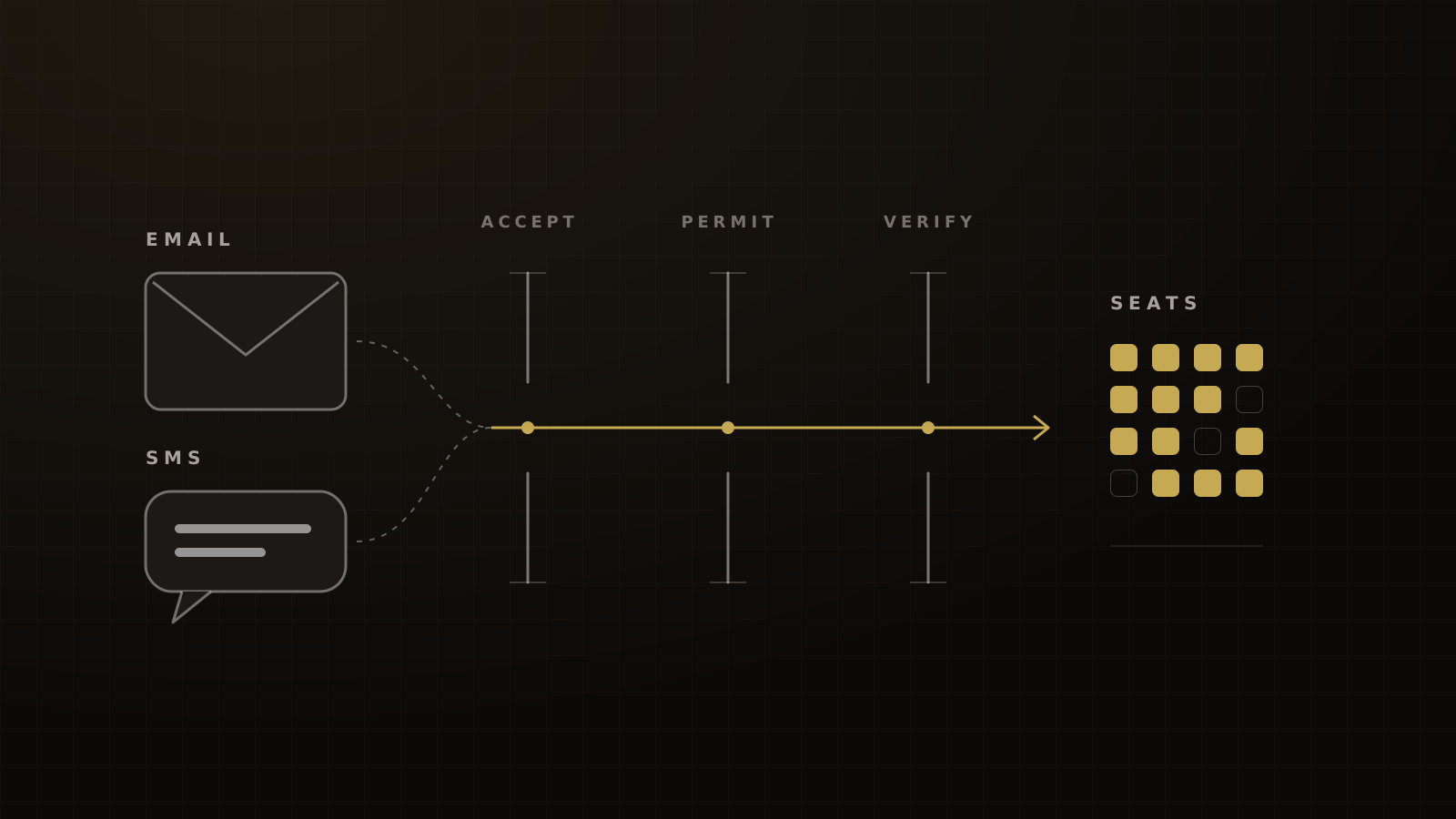
If you send about 5,000 or more emails a day to Gmail, Yahoo or Outlook.com addresses, all three providers now ask for the same core setup:
- SPF and DKIM passing.
- A DMARC record, at least p=none, aligned with your From domain.
- A spam-complaint rate under 0.3%.
- For Gmail and Yahoo, one-click unsubscribe on marketing mail, honored within about 2 days.
Enforcement has escalated. Yahoo started in February 2024. Microsoft has rejected non-compliant mail with "550 5.7.515" since May 5, 2025. Gmail moved to temporary and permanent rejections from November 2025.
The visible footer with your postal address is a separate requirement. That one is CAN-SPAM, which is federal law. Everything else here is platform policy.
Are you a bulk sender? Count every tool
Google defines a bulk sender as one that sends close to 5,000 messages or more to personal Gmail accounts in 24 hours. Two details in its FAQ catch most info businesses out.[1]
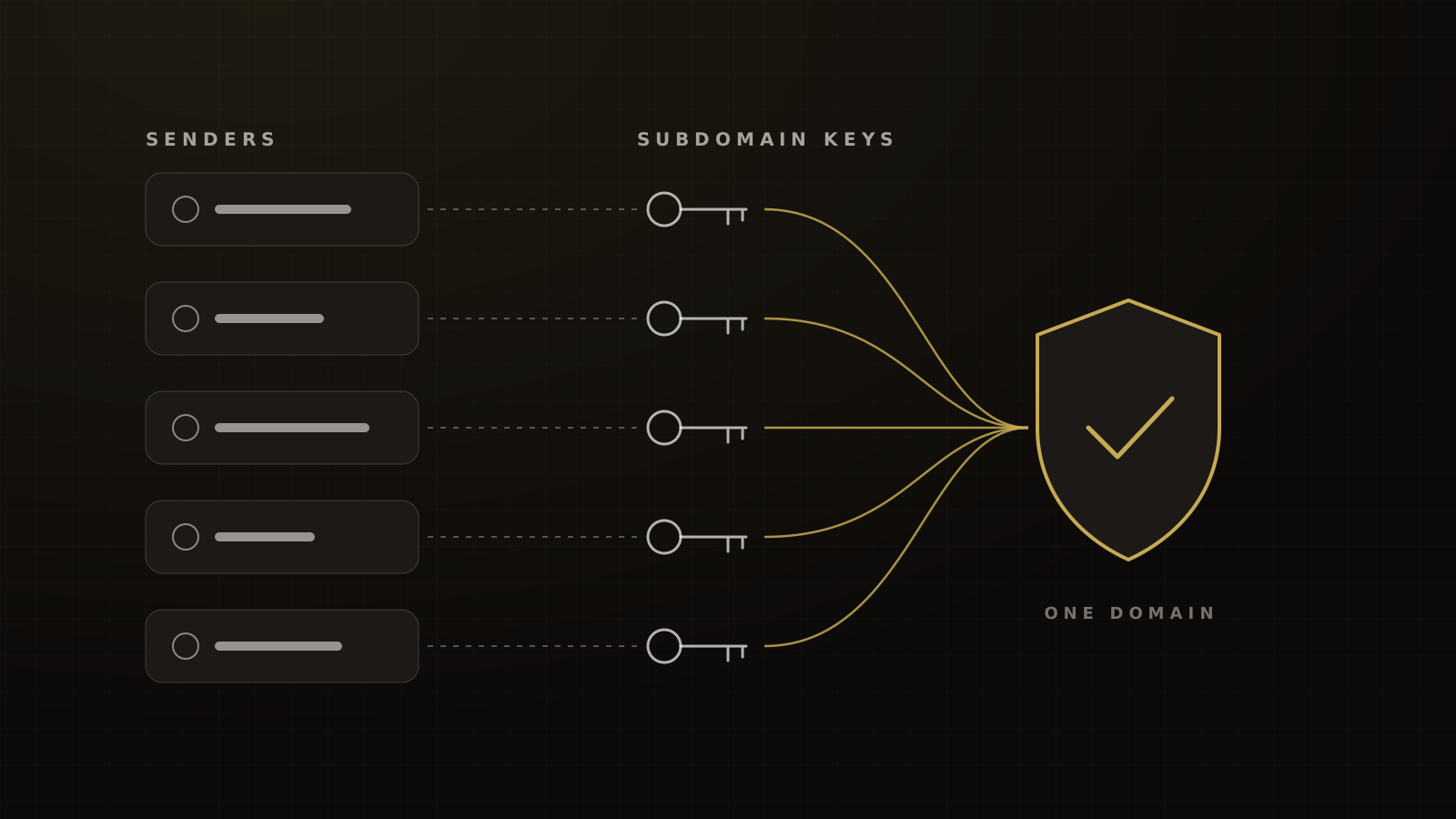
First, the count is per primary domain. Mail from every subdomain and every tool that sends as your brand adds to the same total. Your CRM, webinar platform, checkout receipts and community platform all count.
Second, bulk status doesn't expire. One launch week that crosses the line puts the domain under the bulk rules for good.
Yahoo doesn't publish a number at all. Its FAQ says it "will not specify a volume threshold".[6] Microsoft's rules apply to domains sending more than 5,000 messages a day to its consumer inboxes.[4]
The practical answer for a coaching or event brand: assume you're a bulk sender, and set every tool up to the bulk standard. That's the approach we take on every domain we manage.
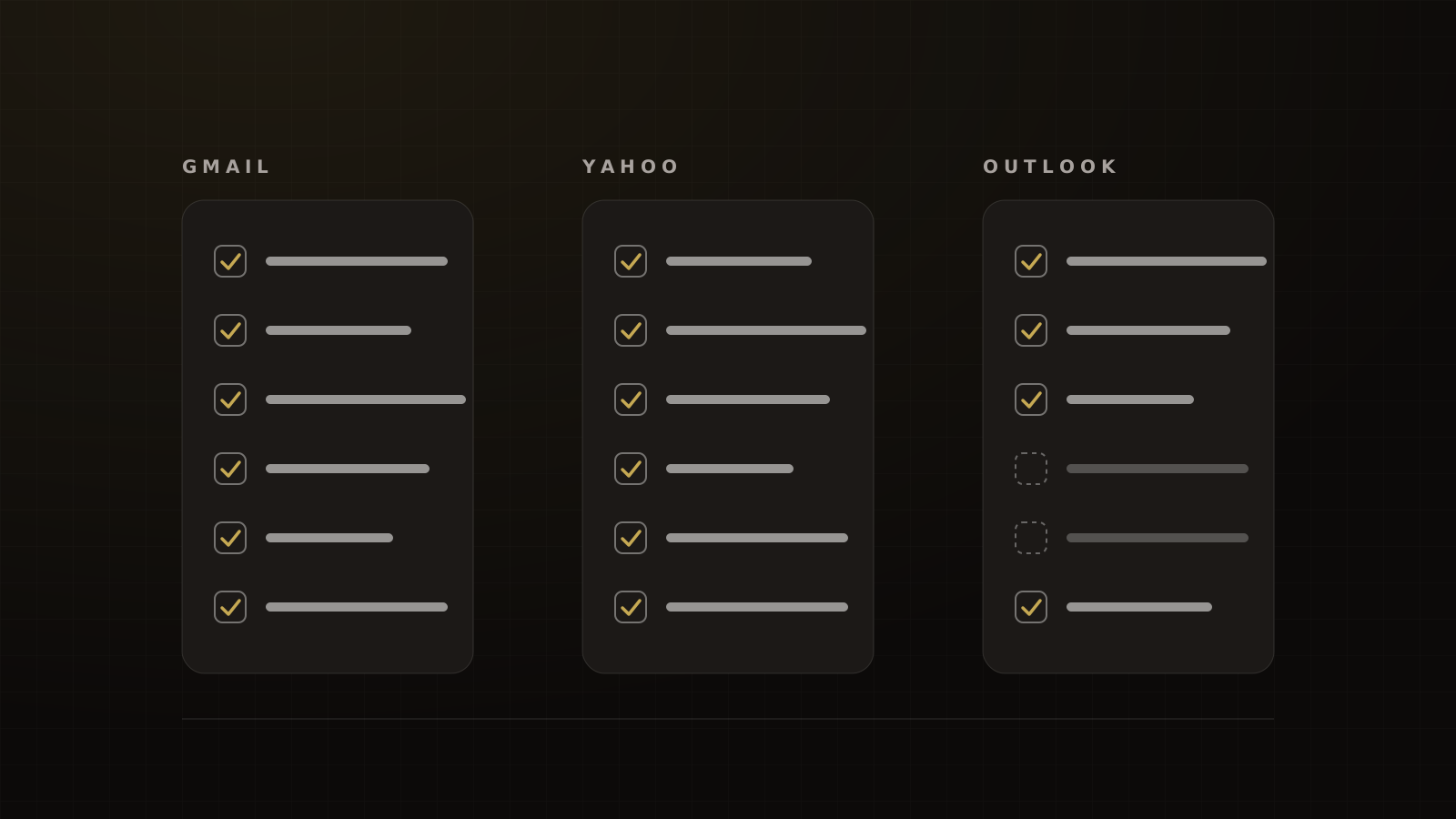
The checklist, side by side
| Requirement | Gmail | Yahoo | Microsoft (Outlook.com) |
|---|---|---|---|
| Who it applies to | ~5,000+/day to personal Gmail, per primary domain, permanent[1] | Bulk senders; no number published[6] | 5,000+/day per domain[4] |
| SPF and DKIM | Both required[2] | Both required[3] | Both must pass[4] |
| DMARC | Required; p=none OK; aligned with SPF or DKIM[2] | At least p=none, must pass, aligned[3] | At least p=none, aligned with SPF or DKIM[4] |
| Spam rate | Below 0.1%; never 0.3%[1] | Below 0.3%[3] | No threshold stated |
| One-click unsubscribe | Required on marketing mail[2] | Required[3] | Functional unsubscribe link recommended[4] |
| Honor unsubscribes | Within 48 hours (recommended)[1] | Within 2 days[3] | Not specified |
| Enforcement | Rules from 2024-02-01; rejections from November 2025[2][1] | February 2024, phased through 2024[3] | Rejected with "550 5.7.515" from 2025-05-05[4] |
'Recommended' means the provider suggests it but doesn't list it as a requirement. Microsoft publishes no spam-rate threshold.
Authentication: SPF, DKIM and DMARC alignment
SPF lists the servers allowed to send for your domain. DKIM signs each message with a key published in your DNS. DMARC ties them to the From address your reader sees and tells receivers what to do with mail that fails.
"Aligned" is the part people miss. The domain that passes SPF or DKIM has to match the domain in your From line. A tool that signs with its own domain can pass DKIM and still fail alignment for yours.
A DMARC policy of p=none meets every provider's rule. It doesn't protect you, because it tells receivers to do nothing when mail fails. Red Sift's August 2026 scan of 5,000 large US organizations found 89.5% publishing DMARC but only 38.4% at p=reject.[7] Compliance and protection are different finish lines. Our SPF, DKIM and DMARC guide covers how to get from one to the other without breaking any tool.
Spam rate: 0.1% is the target, 0.3% is the wall
Google's guidance is two numbers: keep the user-reported spam rate below 0.1%, and never let it reach 0.3%.[1] If you cross 0.3%, Google says a bulk sender becomes eligible for mitigation again only after the rate stays below 0.3% for 7 consecutive days.[1]
Yahoo's line is also 0.3%, but it computes the rate on mail delivered to the inbox.[6] So the number in your sending platform won't match Yahoo's.
On the client domains we manage, the target we hold is Google's lower number: under 0.1%. If you plan to the ceiling, one bad launch email puts you over it.
One-click unsubscribe and the 2-day clock
One-click unsubscribe is an email header, not a footer link. RFC 8058, published in January 2017, defines it: a List-Unsubscribe-Post: List-Unsubscribe=One-Click header, an HTTPS unsubscribe address in List-Unsubscribe, and a DKIM signature that covers both.[8] It's a nine-year-old standard that the providers now enforce.
Google requires it on marketing and subscribed messages only. Transactional mail is excluded, and Google names password resets, reservation confirmations and form-submission confirmations as examples.[1]
Google doesn't name webinar confirmations or reminders. Our reading: a registration confirmation is closest to a form-submission confirmation. A reminder that promotes an offer, a VIP upgrade or a replay sale is marketing. Give it the header.
Then honor the request fast. Google recommends 48 hours. Yahoo requires 2 days.[1][3]
The footer and postal address (CAN-SPAM)
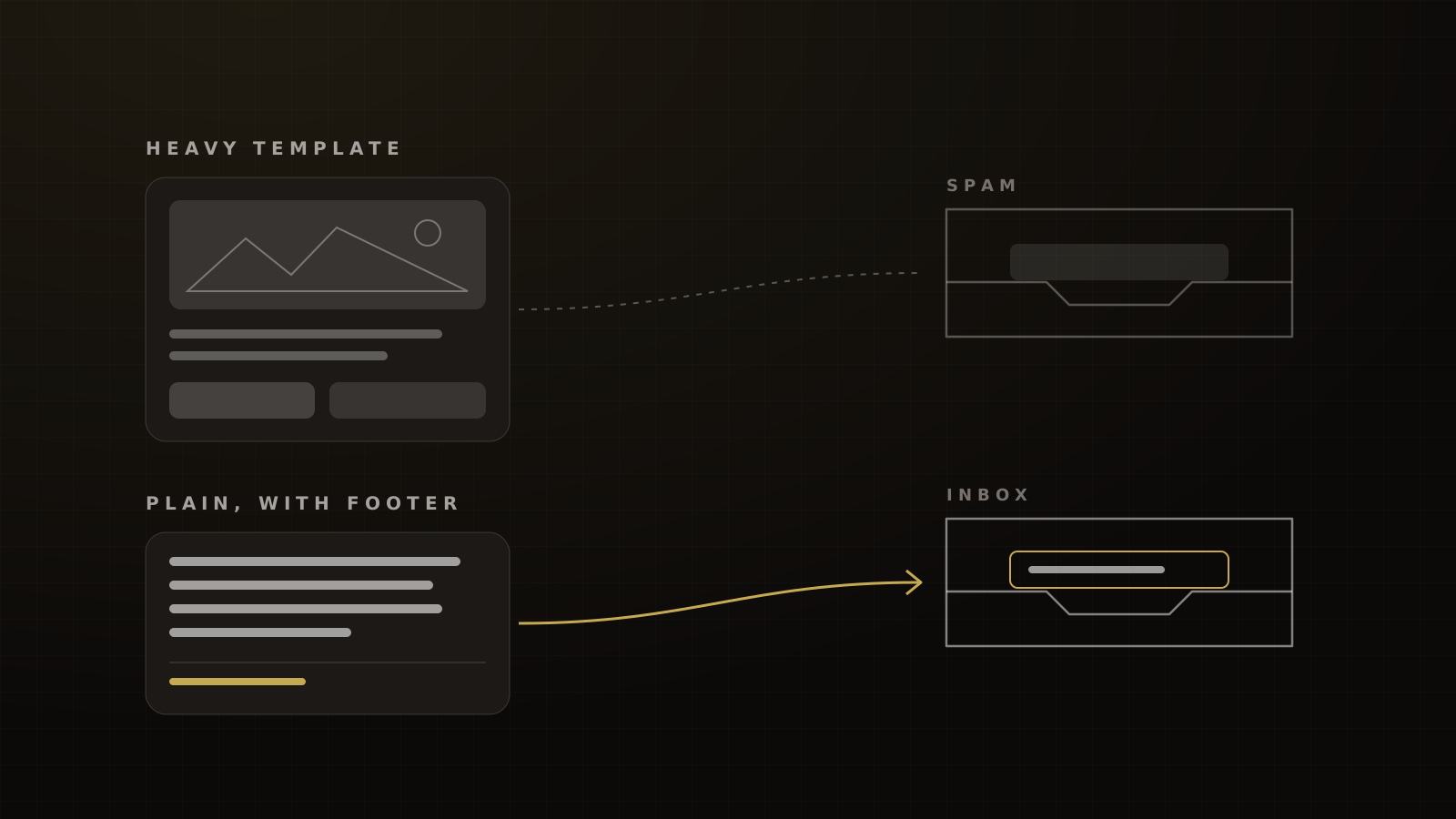
The visible footer isn't a mailbox-provider rule. It's the law.
The FTC's CAN-SPAM guide requires commercial email to include a valid physical postal address and a clear way to opt out. You must honor opt-outs within 10 business days, and the opt-out has to keep working for at least 30 days after you send. Each violating email can cost up to $53,088.[5]
You'll hear this credited to the TCPA. That's wrong. The TCPA governs calls and texts. CAN-SPAM governs commercial email.
In our experience the footer is one of the first things the providers and platforms check. As Ray tells clients on audits, Google, Microsoft and even GoHighLevel are all looking for that unsubscribe link.
Enforcement dates: what happens if you miss
Enforcement used to mean the spam folder. Now it means rejection.
Microsoft. Its April 2025 announcement first said non-compliant mail would go to Junk. An update on April 29, 2025 changed that to outright rejection from May 5, 2025, with the error "550; 5.7.515 Access denied, sending domain [SendingDomain] does not meet the required authentication level."[4]
Gmail. Google's FAQ says that starting in November 2025, Gmail is ramping up enforcement on non-compliant traffic, with temporary and permanent rejections.[1]
Gmail's rejection codes tell you which rule you broke. Google lists them in its FAQ, and many guides mix them up:[1]
| Code | Meaning |
|---|---|
| 4.7.23 / 5.7.25 | Sending IP has no valid reverse DNS (PTR) record |
| 4.7.27 / 5.7.27 | SPF fails |
| 4.7.29 / 5.7.29 | Message wasn't sent over TLS |
| 4.7.30 / 5.7.30 | DKIM fails |
| 4.7.31 | No DMARC record |
| 4.7.32 | From domain isn't aligned with SPF or DKIM |
The 4.x codes are temporary rate limits. The 5.x codes are blocks. Note that 5.7.29 is about TLS, not alignment.
Why Microsoft deserves extra attention: in Validity's 2026 benchmark, Microsoft was the hardest major inbox to reach in 2025, at 77.4% placement against 89.8% for Gmail and 87.2% globally.[9] On the domains we manage, our target after remediation is 90% or better on pre-send seed tests.
Audit every tool that sends as you
Vendor help pages tell you what a tool is supposed to do. A test send tells you what it does.
Here's the method we use:
- Send a real test from every platform that mails as your brand to a Gmail inbox you control.
- Open the message, click the three-dot menu and choose Show original.
- Check for
List-Unsubscribe-Post: List-Unsubscribe=One-Clickon marketing mail. - Check that DKIM shows pass with your domain as the signing domain (
d=). - Check that DMARC shows pass.
- Log the result per tool and re-test after any DNS or platform change.
What the vendors document, as of 2026-10-04:
| Tool | What its documentation says | Verify by test send |
|---|---|---|
| HighLevel | One-click header added to every email "except 1:1 emails"[10]; the header is built in and can't be disabled[11] | Yes, including any Mailgun or SMTP connection |
| Kajabi | Required List-Unsubscribe headers on every marketing and promotional email[12] | Yes |
| Kit | Required headers added to every send; Gmail decides whether to show the link[13] | Yes |
| Webinar platform, checkout receipts, community platform, calendar | Check the vendor's docs | Yes, every one |
One caution on HighLevel's 1:1 exception. Emails it classes as 1:1, typically a team member writing to one contact, don't carry the header. That's fine for genuine one-to-one replies. Don't use it to send a promotion to a list one contact at a time.
How to check compliance in Postmaster Tools
Google Postmaster Tools v2 has a Compliance status dashboard that checks most of this list for you. For all senders it tracks SPF and DKIM, DNS records, message formatting, encryption and the user-reported spam rate. For bulk senders it adds DMARC, one-click unsubscribe and honoring unsubscribes. Each item shows as Compliant, Needs work or No data found.[14]
Set it up for your primary domain and every sending subdomain. Check it before each launch and the morning after.
Two more inboxes worth knowing
Apple iCloud Mail. Apple publishes its own bulk rules: explicit subscription with no purchased or appended lists, an unsubscribe link, SPF and DKIM, a published DMARC policy, acting on SMTP errors, and removing inactive subscribers. Its page says every requirement must be met, or the mail will be rejected.[15]
Orange (France), for EU lists. Orange says spam reports at or above 0.6% may trigger protection measures, and that it will gradually adopt a 0.3% threshold.[16]
Where other checklists get it wrong
These claims were live on ranking pages when we checked on 2026-10-04:
- "Microsoft routes failures to Junk." One sender-requirements guide still says so.[17] Microsoft rejects them with 550 5.7.515.[4]
- "Yahoo uses the same 5,000/day number."[18] Yahoo says it won't specify a threshold.[6]
- "Outlook requires one-click unsubscribe." Microsoft lists a functional unsubscribe link under its recommendations, not its requirements.[4]
- "5.7.29 means your From isn't aligned." It means the message wasn't sent over TLS. Alignment is 4.7.32.[1]
- "The unsubscribe footer is a TCPA rule." It's CAN-SPAM.[5]
The checklist
Copy this into your launch doc and tick it before every large send.
Bulk sender compliance checklist
- Every tool that sends as the brand is listed, with its sending domain or subdomain.
- SPF passes for each tool.
- DKIM passes for each tool, signed with your domain.
- A DMARC record is published (p=none at minimum) and passes, aligned with your From domain.
- Sending IPs have valid reverse DNS, and mail goes out over TLS.
- Marketing mail carries
List-Unsubscribe-Post: List-Unsubscribe=One-Click, covered by DKIM. - Unsubscribes are processed automatically, well inside 2 days.
- Every commercial email has a visible opt-out link and a valid postal address.
- Gmail spam rate in Postmaster Tools is under 0.1%.
- Postmaster Tools compliance status shows Compliant for every item.
- Test sends from every tool pass the "Show original" check.
- Purchased, rented or appended lists are never mailed.
This checklist is one part of the full system. The deliverability and compliance pillar covers SMS, A2P 10DLC and the TCPA alongside email. If mail is already in spam, start with why emails go to spam and how to fix it. Before a large text send, run the SMS pre-flight checklist.
Frequently asked questions
Sources
- 1.Email sender guidelines FAQ. Google Workspace Admin Help, living page, checked 2026-10-04.
- 2.Email sender guidelines. Gmail Help, requirements from 2024-02-01, checked 2026-10-04.
- 3.Sender best practices. Yahoo Sender Hub, living page, checked 2026-10-04.
- 4.Strengthening the email ecosystem: Outlook's new requirements for high-volume senders. Microsoft Defender for Office 365 Blog, 2025-04-02, updated 2025-04-29.
- 5.CAN-SPAM Act: a compliance guide for business. Federal Trade Commission, 2023-08, edited 2024-01, checked 2026-10-04.
- 6.Sender FAQs. Yahoo Sender Hub, living page, checked 2026-10-04.
- 7.US DMARC adoption report. Red Sift, 2026-08-26.
- 8.RFC 8058: Signaling one-click functionality for list email headers. IETF / RFC Editor, 2017-01.
- 9.2026 Email Deliverability Benchmark Report. Validity, 2026-03.
- 10.Achieving compliance: meeting Google and Yahoo's email sender requirements. HighLevel Help Center, undated, checked 2026-10-04.
- 11.How List-Unsubscribe helps email deliverability. HighLevel Help Center, 2026-06-30.
- 12.Google's new email sending requirements and what they mean for you. Kajabi Help Center, undated, checked 2026-10-04.
- 13.Gmail's one-click unsubscribe. Kit Help Center, 2026-08-12.
- 14.Postmaster Tools compliance status dashboard. Google Workspace Admin Help, living page, checked 2026-10-04.
- 15.Requirements for sending bulk email to iCloud Mail. Apple Support, 2025-02-25, checked 2026-10-04.
- 16.Postmaster: complaint thresholds. Orange Postmaster, updated 2026-09-01, checked 2026-10-04.
- 17.Email sender requirements. Courier, 2026-07-10, checked 2026-10-04.
- 18.Bulk sender requirements. MailOver, 2026-04-12, checked 2026-10-04.
Written by
Ray GillespieCo-Founder & COO
Ray runs day-to-day operations across every Victory engagement, building the systems, automations and AI-powered workflows that hold the machine together. He has overseen operations behind more than $120M in revenue.
Part of the guide: Deliverability and Compliance in 2026: Gmail, Yahoo and Microsoft Sender Rules, A2P 10DLC and the TCPA