SPF, DKIM and DMARC for GoHighLevel (and Every Other Tool That Sends as You)
The send-as inventory method: map every tool that mails as your brand to SPF and DKIM, then take DMARC to enforcement the 2026 way, without pct.
 Oussama El AlamiCTO & Lead Developer
Published 10 min read
On this page
- The short answer
- Why every tool has to pass
- Step 1: list every tool that sends as you
- Step 2: SPF without hitting the 10-lookup wall
- Step 3: DKIM for each tool
- Step 4: GoHighLevel, shared vs dedicated sending domain
- Step 5: DMARC from p=none to enforcement, the 2026 way
- Check it: headers and Postmaster Tools
- Common mistakes
Key takeaways
- Start with an inventory. List every platform that sends email as your brand, then give each one an SPF path, its own DKIM key and an aligned From domain.
- SPF breaks at 10 DNS lookups, so stacking every tool's include on the root record eventually fails.[1] Sending subdomains fix that.
- On HighLevel's shared sending domains your From address is rewritten to HighLevel's domain, so you aren't building your own reputation.[2]
- DMARC was re-published as RFC 9989 in May 2026, and the pct tag most guides use for staged rollouts is gone.[3]
- Stage enforcement by mail stream or subdomain, not by percentage.
- p=none passes the mailbox rules. It doesn't protect anything.
The short answer
List every platform that sends email as your brand: the CRM, the webinar tool, checkout receipts, the community platform, the calendar. Give each one an SPF path (an include, or better, its own sending subdomain), its own DKIM selector, and a From domain that aligns with yours.
Then take DMARC from p=none to enforcement in stages, reading the aggregate reports as you go.
Two constraints shape the whole job. SPF breaks at 10 DNS lookups, so you can't keep stacking includes on the root. DKIM scales, because each tool signs with its own key. And one 2026 change most guides haven't caught: the DMARC standard was rewritten in May 2026, and the percentage tag they tell you to ramp no longer exists.
Why every tool has to pass
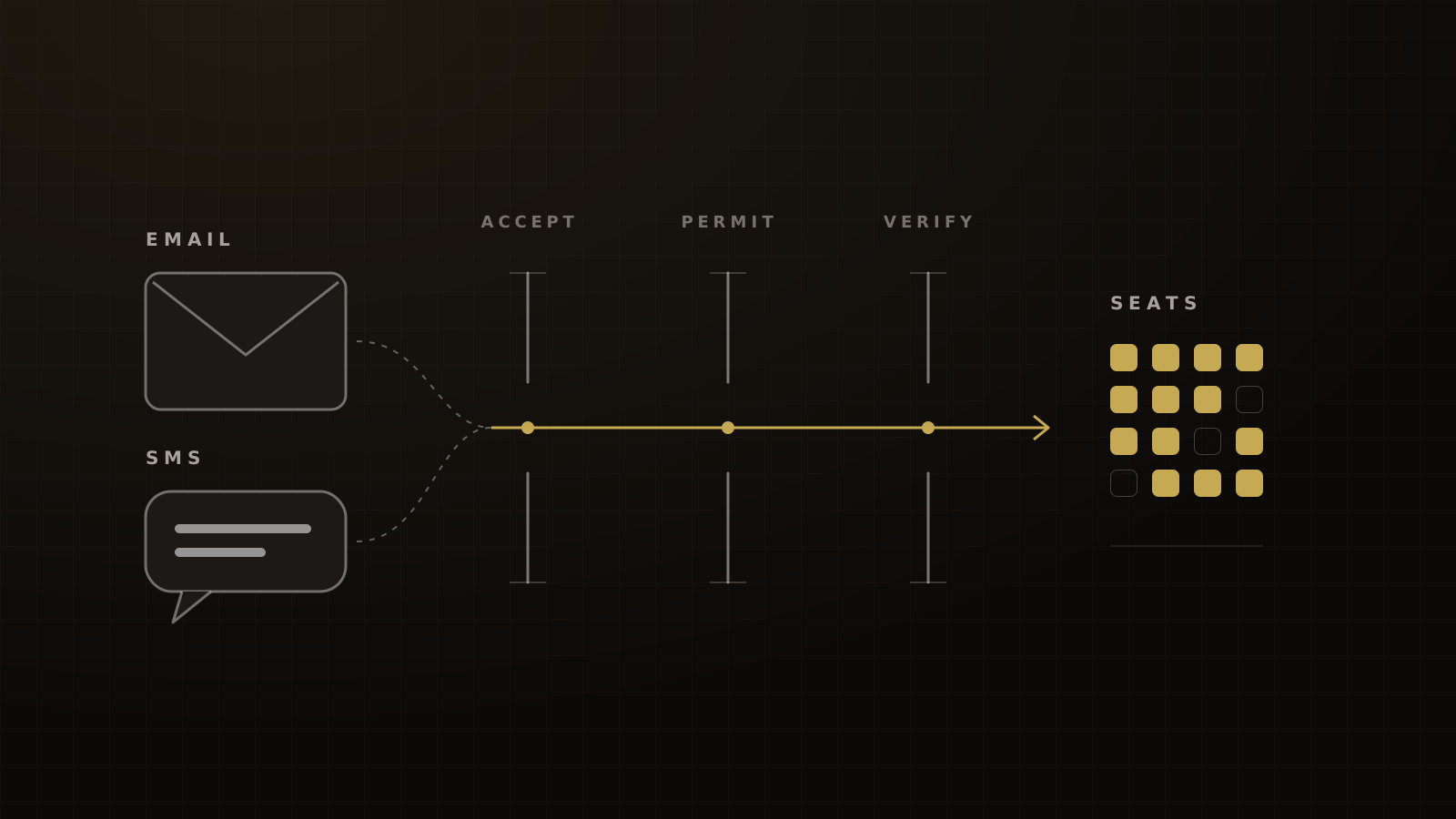
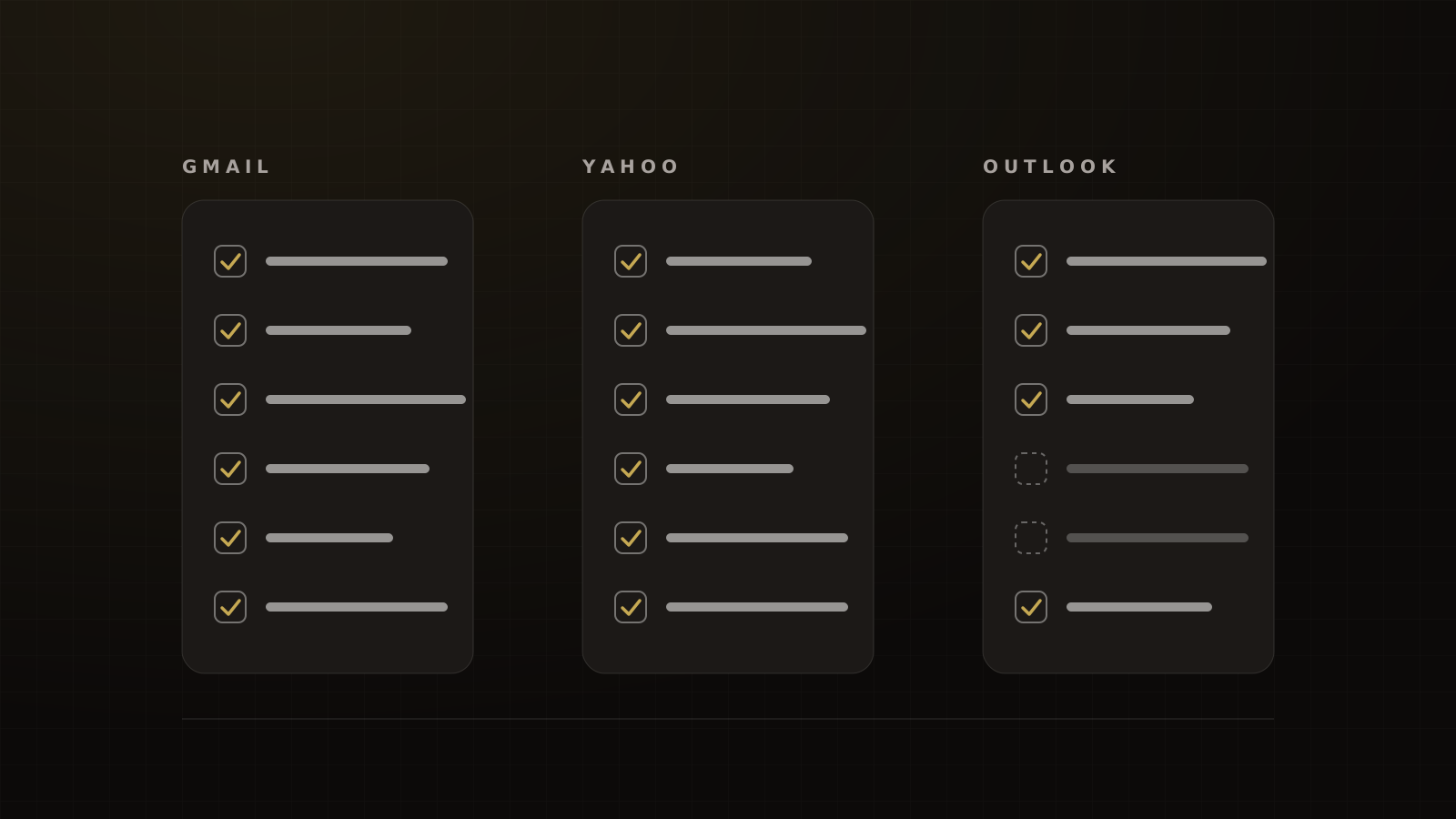
Gmail, Yahoo and Microsoft all require bulk senders to pass SPF and DKIM and to publish a DMARC policy of at least p=none, aligned with the From domain.[5][6][7] Google counts volume toward its bulk threshold across everything sent from the same primary domain.[8]
So the question isn't whether HighLevel is set up. It's whether every tool that puts your domain in the From line is set up. The bulk sender checklist has the provider rules side by side.
Step 1: list every tool that sends as you
Fill this in before you touch DNS. Only the HighLevel and Stripe rows below come from vendor documentation. For everything else, check the tool's docs or send a test and read the headers. Don't guess record values.
| Tool | From address | SPF path | DKIM selector | Aligned? | Volume/day |
|---|---|---|---|---|---|
| HighLevel (dedicated sending domain) | you@emails.yourdomain.com | Records HighLevel provides for the subdomain[2] | One DKIM record per domain[2] | Check headers | |
| Stripe receipts (custom domain) | receipts@yourdomain.com | CNAME for the Mail From domain[9] | CNAME DKIM records[9] | Relaxed only[9] | |
| Webinar platform | Check vendor docs | ||||
| Community or course platform | Check vendor docs | ||||
| Calendar or booking tool | Check vendor docs | ||||
| Google Workspace or Microsoft 365 (staff mail) | Provider's include | Provider's selector |
Volume is per day, counted toward the same primary domain. 'Aligned' means the SPF or DKIM domain matches your From domain.
Worked example: Stripe receipts
Stripe is a good example of a tool people forget is a sender. By default its receipts come from stripe.com. To send them from your domain, Stripe asks for a TXT record to prove ownership, a CNAME for its Mail From domain (that's how SPF passes) and CNAME records for DKIM.[9]
Three details matter. Stripe requires a DMARC record on your domain. It doesn't support strict SPF alignment (aspf=s). And if your records break for 48 hours, Stripe quietly reverts to sending from stripe.com.[9] A DNS clean-up that deletes "unused" CNAMEs can switch your receipts back without anyone noticing.
Trust the headers, not the settings screen
On one client build, a custom sending domain was sending fine once it was added and verified, while the platform's settings screen still didn't show it as connected. A green tick isn't proof either. The header of a real message is the only evidence that counts. We cover how to read it below.
Step 2: SPF without hitting the 10-lookup wall
SPF has a hard ceiling. RFC 7208 caps an SPF evaluation at 10 terms that trigger DNS lookups: include, a, mx, ptr, exists and redirect. Go over and the result is a permanent error, which receivers treat as a failure. Lookups that return nothing are limited to two.[1]
This isn't rare. DMARCguard's February 2026 scan of 5.5 million domains found 4.8% of SPF-publishing domains (148,655 of 3,077,219) over the 10-lookup limit.[10] That's a count of domains at risk, not of failed messages. A coaching stack with five or more tools on the root record is exactly the kind of domain that lands in it.
Three rules keep you out of it:
- One SPF record per domain. If two tools each tell you to add an SPF record, merge their includes into one. Two records break SPF.
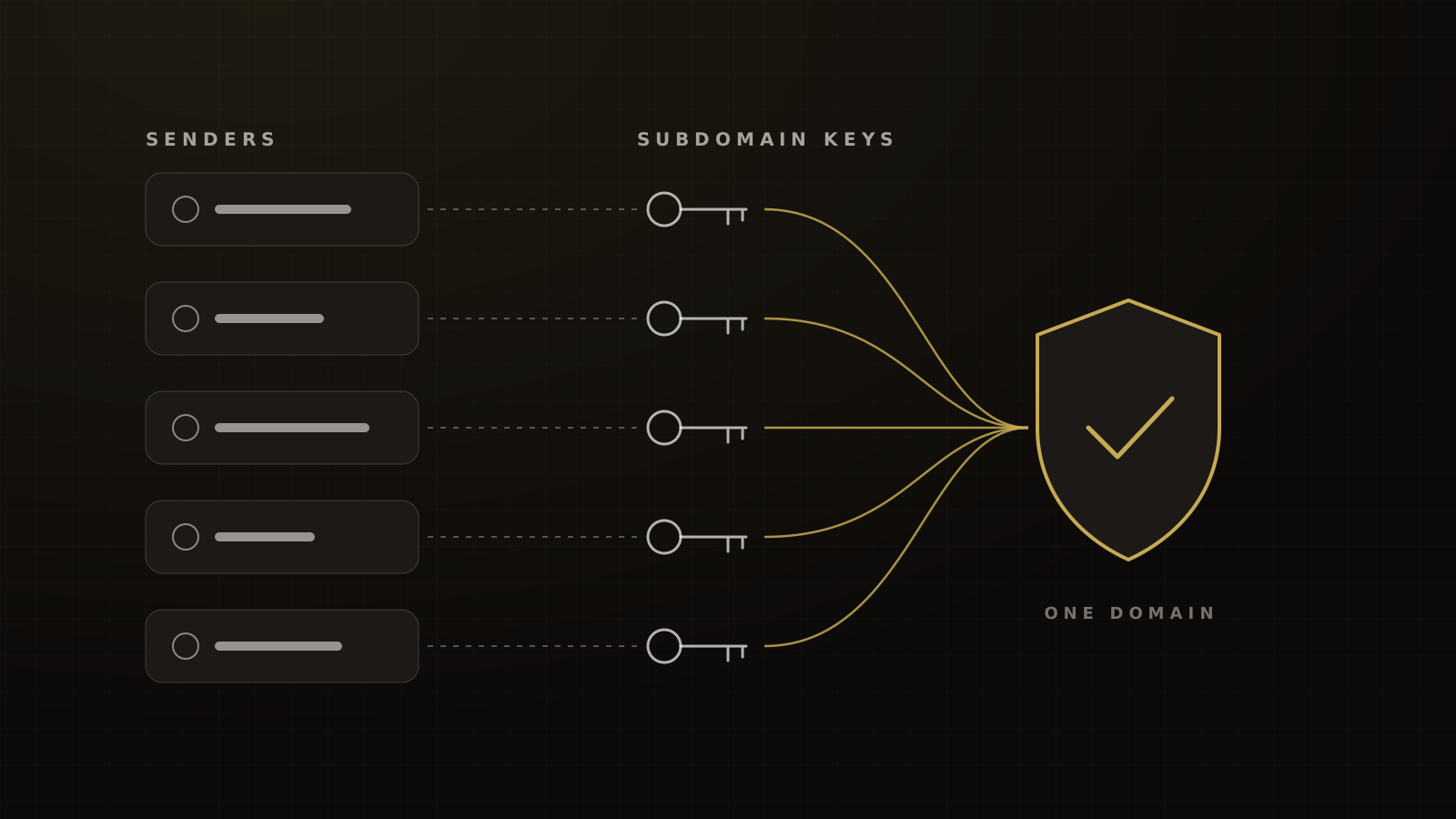
- Give tools their own subdomains. An SPF record on emails.yourdomain.com doesn't count against the root's 10 lookups.
- Don't add includes a tool doesn't use. Not every tool sends with your root domain in the envelope. Kajabi sends custom-domain mail from a required
kjbmsubdomain, so its records live there, not on your root.[11] Stripe uses its own Mail From CNAME.[9] An extra include for tools like these spends a lookup and buys nothing.
Step 3: DKIM for each tool
DKIM is where the stack scales. Each sender signs its mail with a private key, and publishes the matching public key in your DNS under its own selector, at selector._domainkey.yourdomain.com.[12] Ten tools can have ten selectors without interfering with each other.
The one constraint to watch in HighLevel: it doesn't support multiple DKIM records for the same domain.[2] That's one more reason to put it on its own subdomain instead of the root.
For DMARC to pass, you only need one method to pass and align: SPF aligned with the From domain, or DKIM aligned with it.[3] The bulk-sender rules separately require both SPF and DKIM to be set up. In practice, aim for DKIM aligned on every tool, because DKIM survives forwarding and SPF often doesn't.
Step 4: GoHighLevel, shared vs dedicated sending domain
HighLevel lets you send through a shared LeadConnector domain or a dedicated one on your own domain.
On a shared domain, HighLevel rewrites your From address to a +address on mg.msgsndr.com.[2] DMARC alignment is then to HighLevel's domain, not yours. Your mail rides HighLevel's reputation, and none of the reputation you earn attaches to your brand.
HighLevel's own guidance points the same way. It says DMARC isn't required on shared domains, warns that relaxing your policy to p=none reduces your domain's protection, and recommends setting up a dedicated sending domain as soon as possible.[13]
For the dedicated domain, HighLevel recommends a subdomain, such as emails.yourdomain.com, and warming up new domains rather than launching to the full list on day one.[2]
A dedicated subdomain also gives you a reputation you can see and manage. On the client domains we manage, the target we hold is a Gmail spam rate under 0.1%, and you can only hold your own number once the mail is actually yours.
Step 5: DMARC from p=none to enforcement, the 2026 way
What changed in May 2026
DMARC was first published in 2015 as RFC 7489, an informational document.[14] In May 2026 the IETF replaced it with RFC 9989, which makes DMARC a Standards Track protocol and moves reporting into separate documents.[3]
The change that matters for rollouts: the pct tag is gone. RFC 9989 explains that pct "was usually not accurately applied, unless the value specified was either 0 or 100".[3] In its place is a test flag, t.
With t=y, a receiver applies your policy one level below what you published. A reject policy is treated as quarantine, and quarantine is treated as none. It has no effect at p=none, and it doesn't change reporting. The default is t=n.[3] It's a test switch, not a percentage ramp.
RFC 9989 also defines np, a policy for subdomains of your domain that don't exist.[3] If you've moved tools onto real sending subdomains, np=reject tells receivers to reject mail from subdomains you never created.
The docs haven't caught up
Most of what you'll read still uses pct. Google's rollout guidance describes applying quarantine to a small percentage of mail and increasing it gradually.[15] Google's BIMI page says pct must be set to 100.[16] Microsoft's DMARC guide shows pct=100 in its example record.[17] Ranking guides still say to ramp pct from 10 to 25 to 50 to 100.[18]
We found no receiver statement on how it now treats pct. Receivers may keep reading it for a while, but the standard no longer defines it. So don't build your rollout on it.
There's one more catch with t=y. Under the original spec, receivers ignore tags they don't recognize.[14] A receiver that hasn't adopted RFC 9989 may skip the test flag and apply your policy in full. Never publish a policy you aren't ready for just because t=y is on it.
The staged rollout we use
Framework
DMARC to enforcement by stream
- Authenticate first. Set up SPF and DKIM for every tool in the inventory. Google recommends doing this at least 48 hours before you add DMARC.[15]
- Publish p=none with reporting. For example,
v=DMARC1; p=none; rua=mailto:dmarc@yourdomain.com. HighLevel's minimal record isv=DMARC1; p=none;, but without a reporting address you're flying blind.[13] - Read the reports. Google suggests at least a week at p=none with daily review.[15] Every legitimate source that fails goes back to Step 1.
- Enforce one stream at a time. Move a single sending subdomain, such as the CRM's, to quarantine with its own DMARC record. Watch its reports and inbox placement before moving the next.
- Move the root to quarantine, then reject. Once every stream passes, enforce on the organizational domain and add
np=reject. - Keep reading reports. A new tool, a DNS clean-up or a vendor change can break alignment at any time.
Victory's rollout method, built on RFC 9989 and Google's recommended DMARC rollout.
Why bother going past p=none
Because most domains stop there. EasyDMARC's 2026 report on the top 1.8 million domains found 52.1% with a valid DMARC record, but more of them at p=none (29.2%) than at quarantine or reject (22.9%).[19] The mailbox rules only demand p=none, so that's where most senders park.
There's also a visible reward. Google's BIMI, which shows your logo next to your mail, requires DMARC at quarantine or reject.[16]
Check it: headers and Postmaster Tools
For every tool in the inventory, send a real message to a Gmail inbox, open it, and choose Show original. You want three passes: SPF, DKIM with your domain as the signing domain (d=), and DMARC. Then add each sending domain and subdomain to Google Postmaster Tools, which shows pass or fail for SPF, DKIM and DMARC alongside your spam rate.[20]
What good looks like: Validity's 2026 benchmark put global inbox placement at 87.2% for 2025.[21] On the domains we manage, our target once authentication is fixed and mail has moved to a dedicated subdomain is 90% or better on pre-send seed tests.
Common mistakes
- Two SPF records. Merge them, or move a tool to a subdomain.
- Includes for tools that don't need them. Each one spends a lookup.
- Staying on a shared sending domain. Your reputation never becomes yours.
- Ramping with pct. The standard dropped it. Stage by stream.
- Trusting the settings screen. Check a real message's headers.
- Stopping at p=none. It's compliant and unprotected.
This guide is one part of our email and SMS deliverability and compliance pillar. If mail is already in spam, see why emails go to spam. For the texting side of the same brand, see A2P 10DLC registration, and for the wider build, our GoHighLevel guide. Want us to check your setup? Get a funnel audit.
Frequently asked questions
Sources
- 1.RFC 7208: Sender Policy Framework (SPF). IETF / RFC Editor, 2014-04.
- 2.Dedicated email sending domains: overview and setup. HighLevel Help Center, 2026-04-17.
- 3.RFC 9989: Domain-based Message Authentication, Reporting, and Conformance (DMARC). IETF / RFC Editor, 2026-05.
- 4.CAN-SPAM Act: a compliance guide for business. Federal Trade Commission, 2023-08, edited 2024-01, checked 2026-10-04.
- 5.Email sender guidelines. Gmail Help, requirements from 2024-02-01, checked 2026-10-04.
- 6.Sender best practices. Yahoo Sender Hub, living page, checked 2026-10-04.
- 7.Strengthening the email ecosystem: Outlook's new requirements for high-volume senders. Microsoft Defender for Office 365 Blog, 2025-04-02, updated 2025-04-29.
- 8.Email sender guidelines FAQ. Google Workspace Admin Help, living page, checked 2026-10-04.
- 9.Set up a custom email domain. Stripe Docs, living page, checked 2026-10-04.
- 10.Email authentication research. DMARCguard, 2026-02-27, last reviewed 2026-09-15.
- 11.Connect a custom email domain. Kajabi Help Center, updated 2026-10-03, checked 2026-10-04.
- 12.RFC 6376: DomainKeys Identified Mail (DKIM) Signatures. IETF / RFC Editor, 2011-09.
- 13.Email authentication: DMARC. HighLevel Help Center, 2026-06-30.
- 14.RFC 7489: DMARC (original, now obsoleted). IETF / RFC Editor, 2015-03.
- 15.Recommended DMARC rollout. Google Workspace Admin Help, living page, checked 2026-10-04.
- 16.Set up BIMI. Google Workspace Admin Help, living page, checked 2026-10-04.
- 17.Set up DMARC to validate the From address domain. Microsoft Learn, updated 2026-07-17, checked 2026-10-04.
- 18.DMARC record guide. Stackmatix, checked 2026-10-04.
- 19.2026 DMARC Adoption and Enforcement Report. EasyDMARC, 2026-04-08, checked 2026-10-04.
- 20.Postmaster Tools compliance status dashboard. Google Workspace Admin Help, living page, checked 2026-10-04.
- 21.2026 Email Deliverability Benchmark Report. Validity, 2026-03.
Written by
Oussama El AlamiCTO & Lead Developer
Oussama leads technical architecture and development at Victory, building in GoHighLevel, n8n and custom environments. He has built more than 10,000 automations across CRMs, payments and messaging.
Part of the guide: Deliverability and Compliance in 2026: Gmail, Yahoo and Microsoft Sender Rules, A2P 10DLC and the TCPA